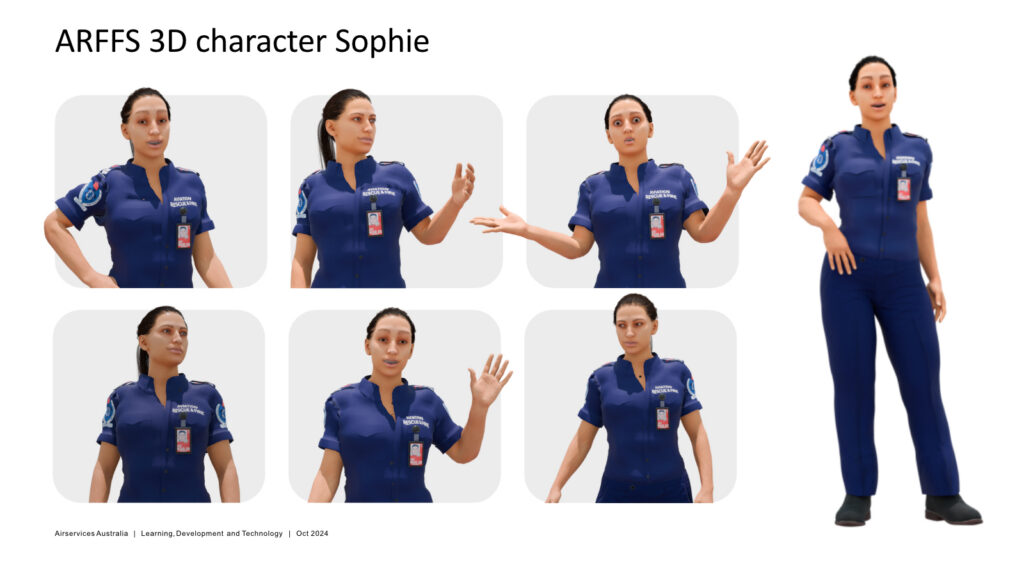
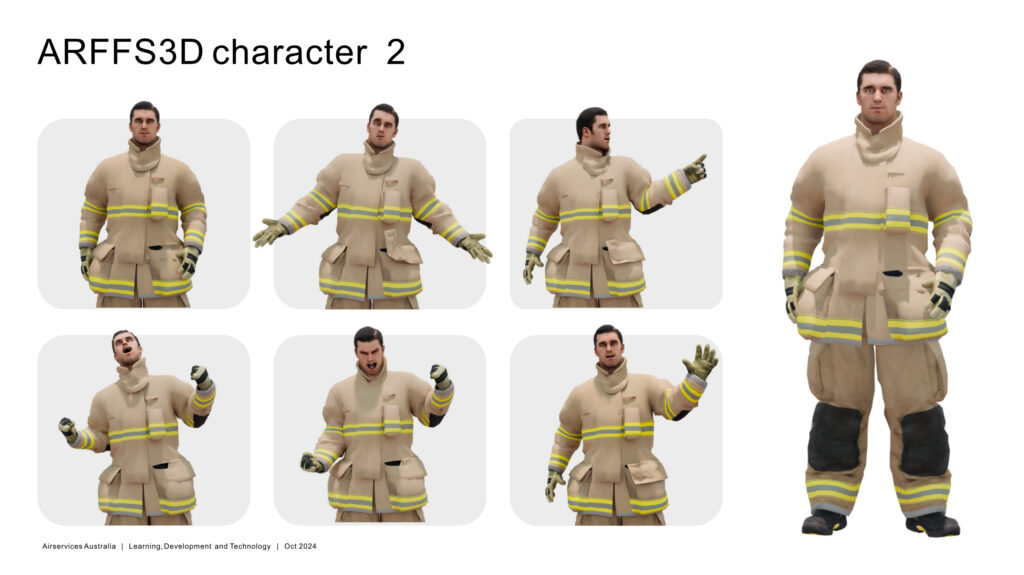
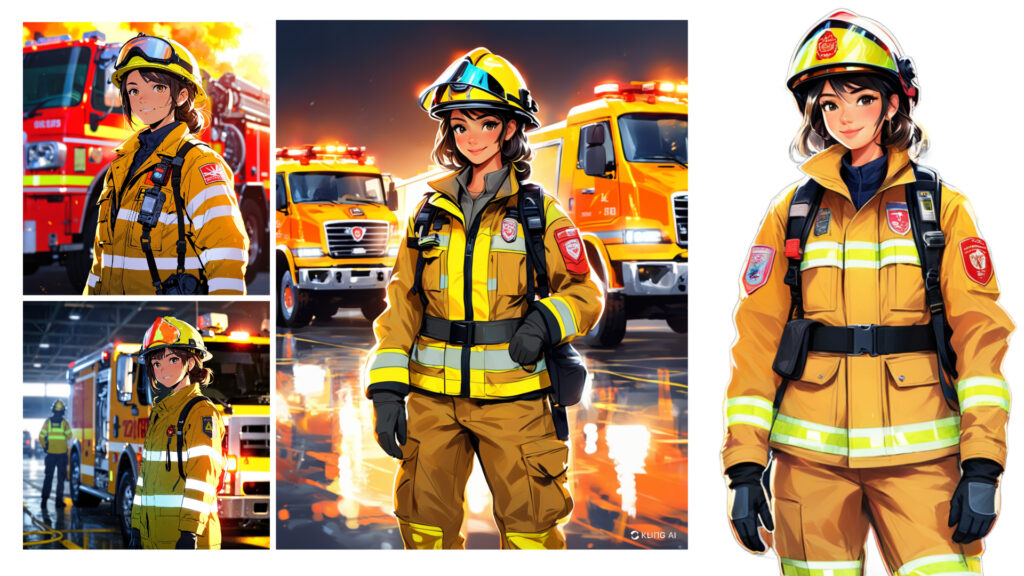
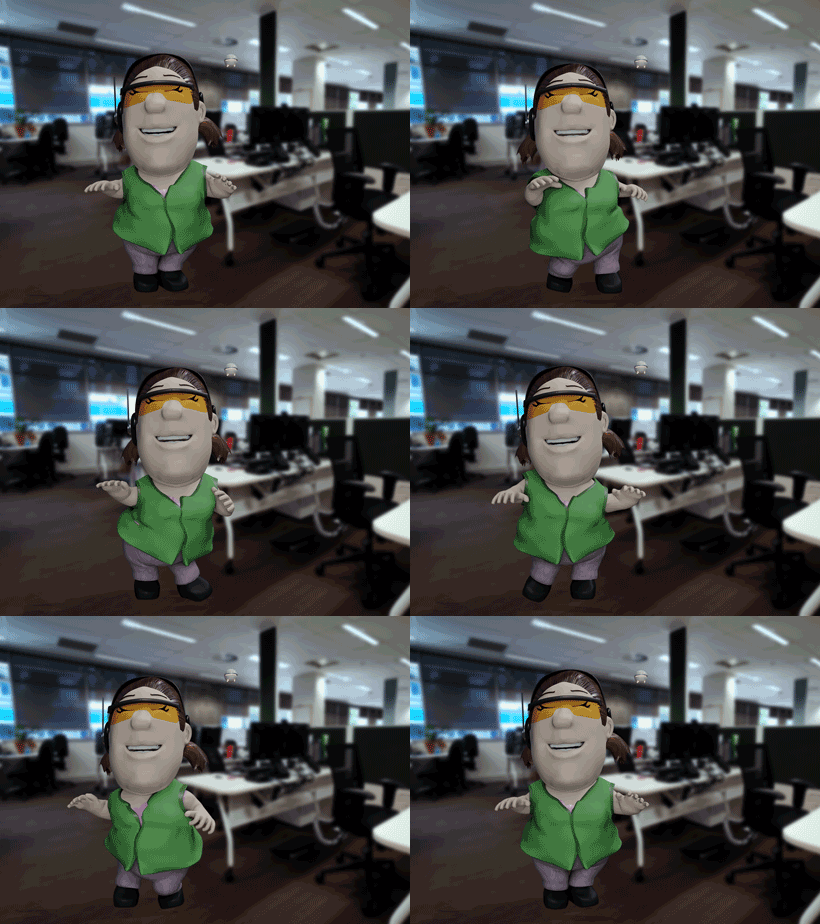
Last year, 2025, when I started collaborating on a VR training project presentation, one of the ideas we had was to introduce characters in the training, which never took flight. Still, I really enjoyed working on them and testing different types. Below are some of the digital candidates:
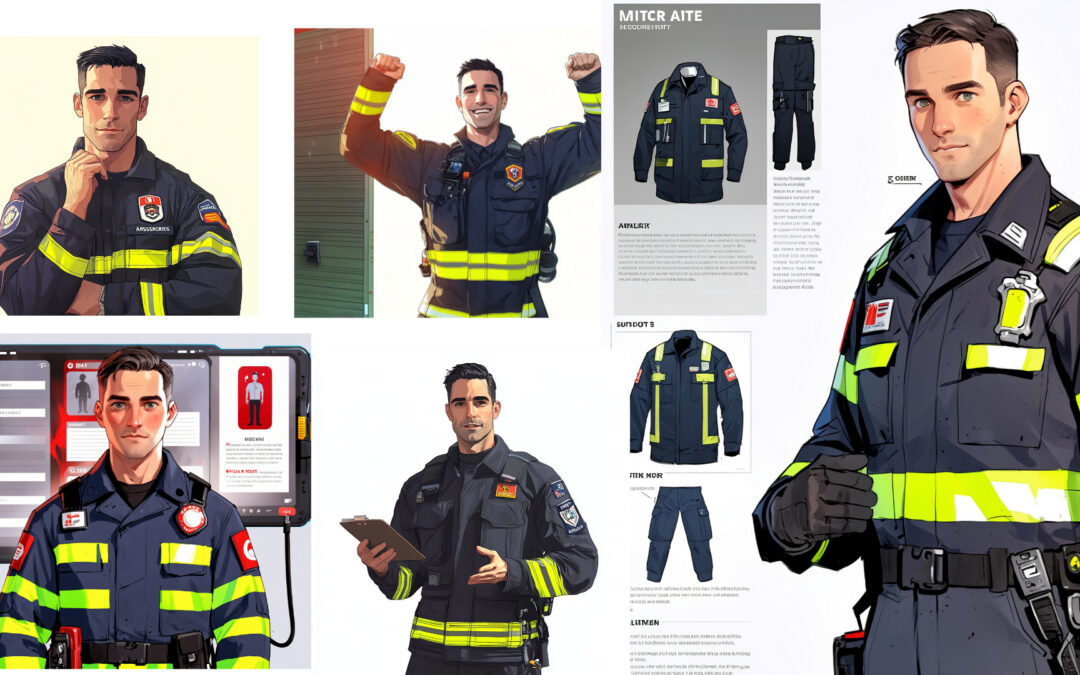
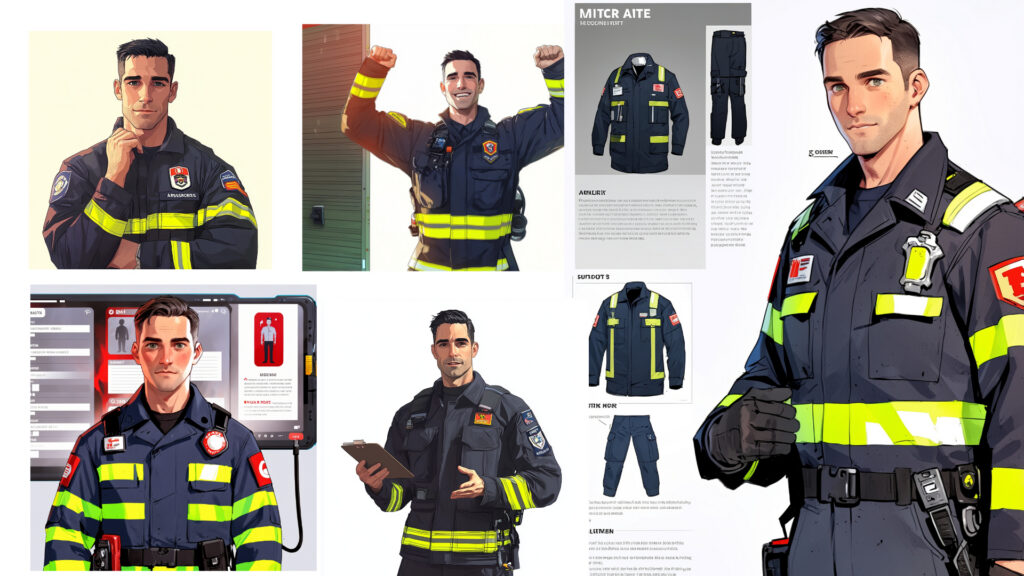
And here are some of the AI-gen runs:
At that time, it wasn’t that easy to keep consistency for characters or control their outfits. Today, we have AI bots dedicated to doing just that.
Every year, a significant amount of money is spent on bringing firefighters from all over the country to train in specialised learning facilities of the Australian Rescue Firefighters Services (ARFFS) in Melbourne. With Airservices Australia revising their structure and budget, one of the initiatives I was lucky to participate in was an augmented reality training programme, developed mostly by our in-house coding guru, Ray.
All the risks, none of the danger.
Whenever your training needs involve a situation that is either very expensive or dangerous, extended reality (XR) training is a strong candidate solution, e.g., virtual or augmented reality. In our case, it was both expensive and dangerous. Setting aeroplanes on fire or exploding engines is not something the organisation would look forward to – especially training new staff on a regular basis.
Enter Augmented Reality (AR) simulations.
With training built in a 3D environment, you get to set any number of aeroplanes on fire, explode any engines, load any aircraft model in the simulation, etc. The other and better alternative is learning how to safely extinguish the fire, not let the engine explode and save the virtual people, which is your ultimate goal.
Why does it work so well?
There are several ways to answer that question. Besides the obvious cost savings and health safety, learners engage more and learn better and faster than with any other medium.
→ A cool explanation (based on research, neuroscience and psychology): Work by Mel Slater and Maria V. Sanchez‑Vives and others shows the brain does not fully distinguish between real and virtual bodies when sensory cues are aligned. This supports the idea that the “thinking brain” (prefrontal, reflective systems) can know it is simulated, but subcortical and sensory systems (amygdala, insula, somatosensory cortex) still respond as if it were real, driving emotion, arousal, and encoding into memory.
→ (In English, please) That means, even though you consciously know the training is a fake simulation, your sensory brain still gets you the full experience. On well-designed trainings, you are there! The situation must be addressed. And if you succeed, you will not only learn but also remember what you had to do and how it made you feel.
And the stats keep coming, showing XR works well.
A PwC study on VR soft‑skills training found VR learners were up to 4 times faster to train than classroom learners, more emotionally connected to content, and reported 275% higher confidence in applying skills.
Case reports from fire and safety training providers using XR show higher motivation, repeated voluntary practice, and better recall of life‑saving procedures compared with traditional fire safety instruction.
Last week, I was fortunate enough to be part of an innovative leadership training session on coaching, leveraging the power of VR technology.
Immersive experiences allow participants to practice real-world scenarios in a safe, controlled environment. By now, you have probably seen many studies showing (eg. PwC, 2020) that VR-based learning can increase retention rates and confidence to apply the skills learned immensely (275%), 4x faster than traditional methods.
What struck me was, in another job, I ran coaching workshops with group discussions and activities, yet this time it was quite different seeing a room full of leaders, each immersed in their own VR coaching simulation. After their personal VR experiences, the facilitator brought the group together to share insights and strategies, an interesting blend of individual exploration and collective learning.
AI-generated concept art. Still, not too far from what we had that day.
Positive feedback reinforces the potential of VR in leadership development.
I was very grateful for the opportunity to be part of this training. Witnessing leaders enthusiastically engage with a virtual ‘coachee’ and navigate non-linear conversations was truly inspiring. In 2018, I proposed a similar idea to my previous team, but it was deemed too complex and resource-intensive. Fast forward to today, and it’s incredible to see how far we’ve come!
As we embrace this ever-evolving tech, I’m excited about the future of learning and development.
In the e-learning space, one of the things that I really enjoy is being able to work with characters. Luckily, video-based character-led training is a popular choice, so I get to put this old passion to good use.
Considering production time (and cost) can be a deal-breaker for choosing 3D animation as an option, I’m always on the look for better ways to accelerate the process. Motion capture, often referred to as mocap, is a good example. After a long time trying to figure out a way to use it, without much hassle, I finally got it to work. This is my test animation. Ahmed here is doing his happy dance, celebrating our new workflow, for those times when mocap can save you hours of animation work. Although I enjoy animating, good use of time is still a key component of any successful project.
And that is Sissy, an SIS expert that will provide the intelligence team with invaluable spatial information. She agrees mocap is very cool and couldn’t help doing her happy dance too.
While trying to figure out a way to meet the tight deadlines for the training courses we have on, after a bit of research, I’ve started testing the lip sync features of Character Animator, one of the newish apps Adobe has made available through CC. Turns out, it works like magic, the team really liked the results and was happy to add it to the workflow.
If anything, perhaps not as cool as the actual 3D mouths, in my view, but it’s a way faster process and will save us loads of time (equals budget). Pretty decent compromise to get the issue solved and the project delivered on time.
Here’s my first attempt on an old favourite character, Groo, from the brilliant Sergio Aragonés. It’s a side project I’ve been considering for a while but too often kept hitting a wall with both rigging and rendering. Did I err? said the Wanderer. Well, not this time.
I was pretty happy to manage the whole thing in Maya, using its human IK and rendering it with Arnold. Groo does what Groo does best!